How to Host a Family Reunion Scavenger Hunt on Seeker Hunts
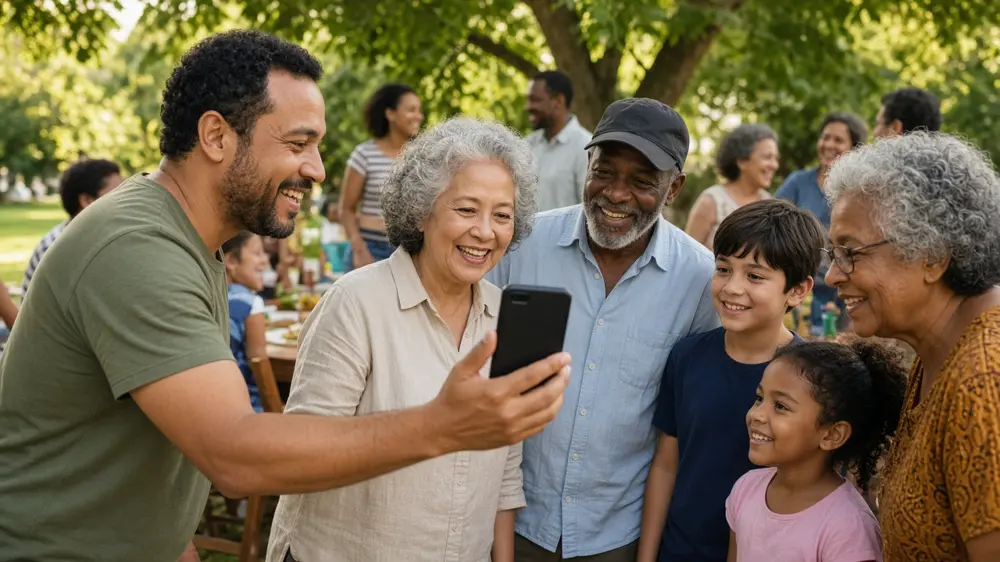
Discover a simple setup for a family reunion scavenger hunt: preview the Family Reunion template, host on Seeker Hunts, and have everyone join at seekr.it.
How to Host a Family Reunion Scavenger Hunt on Seeker Hunts
You want cousins laughing before the potato salad disappears. A phone scavenger hunt does that without a week of craft-store prep. This is the night-of host guide: preview a starting template, customize it for your family, set teams and sections, then get everyone into the game at seekr.it.
For a giant menu of portable ideas (youngest+oldest photos, three generations, recreate-an-old-photo, and more), use the ideas pillar: 40+ Family Reunion Scavenger Hunt Ideas.
What you will set up
Host path: build and run the hunt at seekerhunts.com
Player path: guests join at seekr.it with a code or QR
Template start: Family Reunion template
Scale: self-serve up to 50 players; first 3 active players free
No player accounts. Guests play from a phone browser.
Step 1: Preview the Family Reunion template (then plan your edits)
Open https://seekerhunts.com/preview/106.
Treat it as a starting Family Reunion template, not a perfect ready-to-run list for every park or pavilion. Sample tasks lean on named planted props and inside-joke objects (fishing-hat energy, cooler, casserole-dish vibes). Great for tone. Weak if your family did not pack those props.
Your job after preview: duplicate or host-and-edit so tasks match your venue and your people. Prefer portable multigen photo finds:
youngest and oldest together
three generations in one frame
recreate an old photo
matching poses
selfie with someone you just met
photo with the reunion host
last-name letter pose
One clear subject per photo. Sprinkle text-match, drawing, and button tasks so it is not a pure camera checklist.
Step 2: Build (or customize) the hunt on seekerhunts.com
Sign in at seekerhunts.com.
Host the template or create a new hunt and paste your favorite ideas from the ideas pillar.
Rewrite anything that needs a hidden heirloom or planted food prop unless you truly planted it.
Mix task types:
Photo for people and venue landmarks
AI text match for nicknames, colors, hometowns
Drawing for a couple of silly sketches
Button for check-ins ("I met someone new")
Keep photo prompts to one object or one clear pose so validation stays friendly.
Test two or three tasks on your own phone before guests arrive.
More photo-task craft: How to Create a Fun and Easy Photo Scavenger Hunt. Broader product walkthrough: How to Host a Scavenger Hunt with Seeker Hunts.
Step 3: Use sections for pacing (without trapping people)
Sections help you brief everyone before the lawn sprint.
Example layout
Section 1: rules button + two icebreaker photos
Section 2: outdoor portable finds
Section 3 (optional): indoor rain plan
Unlock section 2 when the welcome speech is done. You do not need lock-by-order that blocks a whole team because one toddler stopped to pet a dog. Pace the room. Stay kind.
Step 4: Make teams on purpose
Ideal reunion squads mix ages on purpose:
1 kid (spotter)
1 teen (camera)
1 adult (navigator)
1 grandparent (story + veto power on silly risks)
Team size of 3-5 keeps sidewalks clear. Solo players can buddy up at the welcome table. Announce the boundary once: where they may go, where they must not.
Step 5: Night-of hosting checklist
30 minutes before
Open the hunt host view at seekerhunts.com
Confirm Wi-Fi or cell coverage at the pavilion
Print or screenshot the QR as backup (tape it to the welcome table)
Place a clear meet-back spot marker
Go time
- Gather everyone. Explain: phones out, join at seekr.it, enter the code or scan the QR.
- Open the waiting room. Let late cars join when they roll in.
- Hit start when enough teams show "ready."
- Cheer from the welcome table. Watch the live leaderboard.
- Override a clearly correct photo if AI is being picky.
- End the hunt on time even if lists are unfinished.
- Announce winners with a silly prize. Share a few favorite submissions out loud.
Accessibility and comfort
Offer seated tasks (text, drawing, button) next to walking photos.
Pair anyone who prefers not to hold a phone with a teammate photographer.
Keep paths on flat lawn or paved loops when elders are playing.
Provide shade and water breaks. A hunt is not a hike contest.
Skip tasks that require climbing, entering private rooms, or moving heavy objects.
Rain plan: flip to your indoor section instead of canceling.
Printables vs phone hunts
Paper lists still work for a tiny group at one picnic table. Phone hunts save paper, keep every photo together, and give you a live leaderboard when the cousin count climbs. If you want a printable style checklist for inspiration, Reunly's family reunion scavenger hunt is a solid paper example. When you are ready for live play, host on Seeker Hunts and send people to seekr.it.
Quick troubleshooting
| Problem | Fix |
|---|---|
| Someone cannot find the join page | Say it out loud: open seekr.it, not the App Store |
| Template tasks mention props you do not have | Edit them now. Swap in portable photos from the ideas pillar |
| AI rejects a good photo | Host override. Keep moving |
| Team is all teens steamrolling | Remix teams mid-hunt or add story buttons that need an elder |
| Weather turns | Unlock the indoor section |
Recap: host path vs player path
You (host): seekerhunts.com to customize, host, and watch scores. Start from preview/106, then edit.
Everyone else (players): seekr.it on any phone browser.
Ideas menu: family-reunion-scavenger-hunt-ideas
Ready when the lawn chairs fill up
Preview the Family Reunion template, customize it for your family, host on Seeker Hunts, and send every cousin to seekr.it. Keep photos portable, keep teams mixed, and let the leaderboard do the loud cheering for you.