36+ Halloween Scavenger Hunt Ideas: Phone Hunts for Parties & Neighborhoods
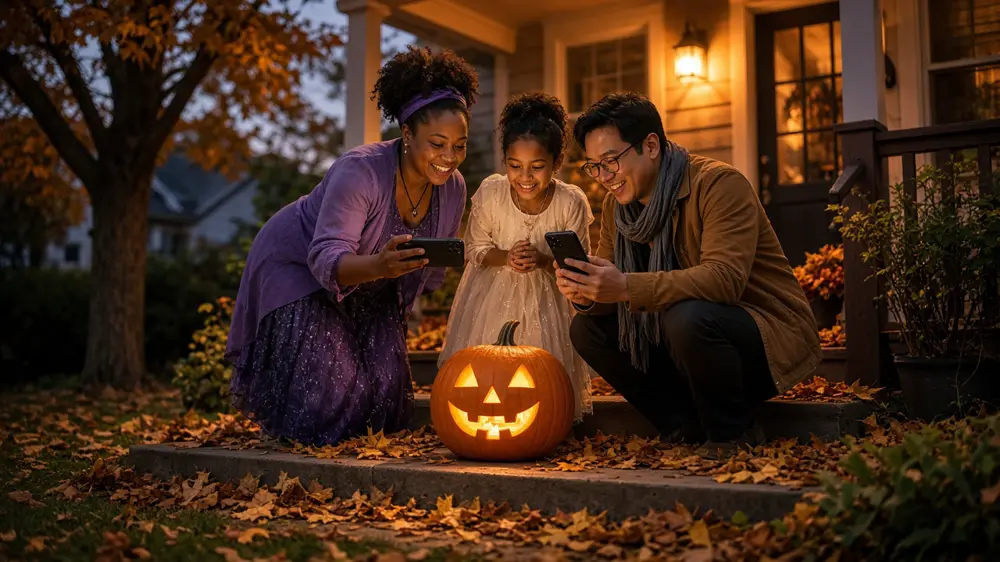
Discover 36+ Halloween scavenger hunt ideas for parties, kids, and neighborhood walks, plus a ready Halloween Hunt template on Seeker Hunts. Host from a phone browser. No app. Players join at seekr.it. First 3 free.
36+ Halloween Scavenger Hunt Ideas: Phone Hunts for Parties & Neighborhoods
Paper clue lists go missing in candy bags. A Halloween scavenger hunt on phones keeps the list, the photos, and the live leaderboard in one place so your party or neighborhood walk stays a game.
In this guide, you will get 35+ Halloween scavenger hunt ideas for house parties, kids, adults, and outdoor loops, plus a ready Seeker template you can host in one tap. No app download. Players join at seekr.it.
Start with the Halloween Hunt template
Want to try Seeker without building a list from scratch? Host the free Halloween Hunt template.
It already has 16 spooky finds: a skeleton, a witch costume, a jack-o-lantern, bones, a spider, cobwebs, a bat, a candy bucket or cauldron, fall leaves, a black cat, a tombstone, a ghost, a broom, a potion drink, candy, and a costume. Click Host Hunt, share the code, and people open seekr.it on their phones. No app. No player signup.
You can run that list as-is for a 45 to 60 minute party loop, or copy the vibe into a custom hunt below. Either way, the template is the fastest way onto the platform.
Host tip: Customize before guests arrive if a task does not match your space. Swap finds, keep one object per photo, and Test three tasks where people will actually hunt.
What Is a Halloween Scavenger Hunt?
A Halloween scavenger hunt is a timed list of spooky finds. Players look for decorations, costumes, and fall props, then take a photo, type a short answer, draw something silly, or tap a button when they arrive. That is different from a treasure hunt, which is usually a trail of hidden clues and one prize. A scavenger hunt is a list. A treasure hunt is a trail.
Families and party hosts have used printables for years. Sites like One Little Project and Play Party Plan show the same pattern: hide clues or check off decorations. A phone hunt keeps the same fun without clipboards or manual judging.
Typical format
- Duration: 30 to 75 minutes
- Area: one house, one yard, one block, or one corn-maze loop you walked first
- Group size: pairs or groups of 3 to 5, or one shared phone per group
- Goal: find things, stay polite with neighbors, keep it a game
For a general adult night that is not Halloween-only, see scavenger hunt for adults. For indoor mall loops in bad weather, see mall scavenger hunt ideas.
Why Halloween Scavenger Hunts Work
Decorations already do the setup
Porches, yards, and party rooms are full of props in October. You are sending people to look, not to hide treasure.
Mixed ages can share one hunt
Younger kids hunt pumpkins and candy. Teens and adults do typed answers, drawings, and costume finds. Put both on the same list.
It stays a game
Keep finds simple. A photo of one jack-o-lantern works. Asking someone to collect five items for a craft is a chore. Frame every task as play.
Phone beats paper on a busy night
Candy bags eat printouts. A phone list at seekr.it stays with the group, and the host sees a live leaderboard.
How to Run a Halloween Scavenger Hunt
Step 1: Pick the loop first
House party, neighborhood porch walk, or outdoor festival. Note bathrooms, dark spots, and any neighbor who does not want visitors. Pick a start (the porch, the kitchen, the maze gate) and a meet-back spot.
Step 2: Say the rules out loud
- Stay with your group. No running into streets.
- Photograph objects and decorations. Ask before photographing people you do not know.
- Respect yards and porches. Do not move decorations.
- End on time at the meet-back spot even if the list is unfinished.
Step 3: Keep each find simple
One object per photo. "A pumpkin" works. "Five pumpkins in one frame" is a stretch for the AI that checks the picture. If you want more pumpkins, make them separate tasks.
Not everything has to be a photo. A typed answer, a drawing, or a tap-to-finish button keeps it from feeling like a camera checklist.
Step 4: Host the template, or build your own in Seeker
Fastest path: open Halloween Hunt, click Host Hunt, share the code. Done.
Custom path: create a hunt at seekerhunts.com. Pick the task type that matches the find:
- Photo + text description for generic finds ("skeleton," "spider"). Keep it to one thing.
- Photo + image match for a specific porch mural, yard sign, or party backdrop.
- Location check for the start porch, the candy table, or the meet-back spot.
- AI text match when you want a typed answer. You write a validation prompt ("a Halloween candy"); they type candy corn and the AI decides if it counts.
- Drawing for a couple of extras, like sketch a ghost. A few is plenty.
- Button for "I arrived at the porch" or "I agree to stay with my group."
Sections group tasks. Put the rules button in the first section, then put the walking list in a second section so it stays hidden until everyone has agreed.
Save each task and Test it in the actual space with your own phone before guests arrive. Seeker also tries to block reused camera-roll photos, so players need a shot from the hunt.
More on building tasks: Creating a custom scavenger hunt with Seeker and Creating scavenger hunt tasks by simple descriptions. Hosting flow: How to host a scavenger hunt with Seeker Hunts.
Step 5: Invite people and start
Click Host Hunt. Players open a phone browser at seekr.it, enter the code or scan the QR, and pick a name. No app, no player account. Start from the waiting room, watch the leaderboard, and override the AI if a clearly correct photo gets rejected. End the hunt so scores lock.
Self-serve hunts go up to 50 participants. The first 3 active players are free. For a bigger outing, contact Seeker. Time Trial is custom. Contact Seeker if you need that.
36 Halloween Scavenger Hunt Ideas
Mix easy photos with a few typed answers, one drawing, and a couple of tap-to-finish tasks. Steal freely from the Halloween Hunt template, then add your own.
From the Halloween Hunt template (one object each)
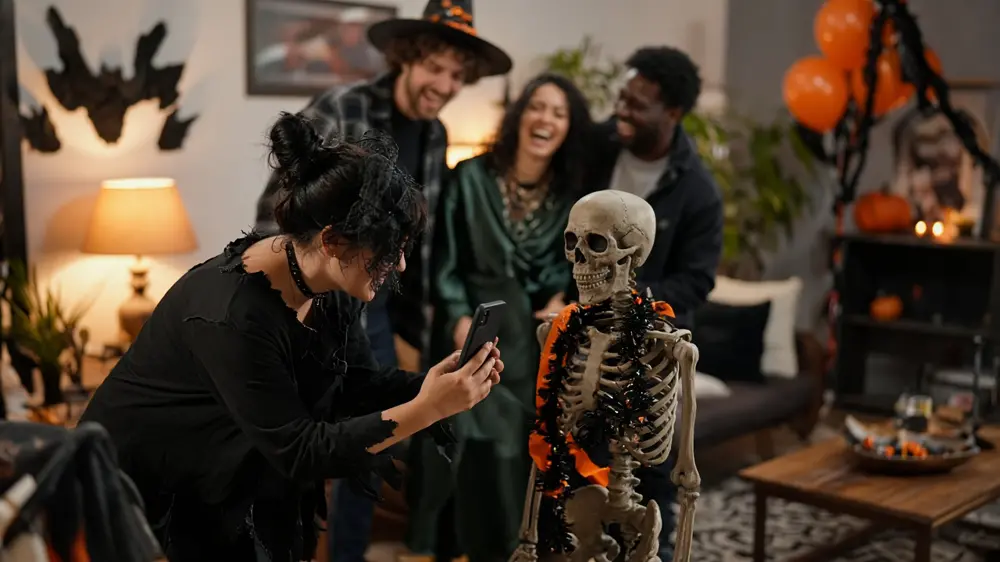
- A spooky skeleton.
- Someone dressed as a witch (or a witch decoration).
- A jack-o-lantern or carved pumpkin.
- A bone prop or bone decoration.
- A spider (toy, decoration, or plastic).
- Cobwebs.
- A bat decoration or bat image.
- A candy bucket or witches cauldron.
- Dead leaves or fall leaves.
- A black cat (real, stuffed, or decoration).
- A tombstone decoration.
- A ghost decoration or costume.
- A witches broom.
- A colored drink that looks like a potion.
- Your favorite candy.
- Someone in a Halloween costume.
Party-room finds
- A bowl of candy.
- An orange balloon or streamer.
- A fake eyeball prop.
- A scarecrow or stuffed figure.
- A flashlight or lantern.
- A spooky mask on a table.
Neighborhood and outdoor finds
- A porch pumpkin display (one pumpkin in frame).
- A hay bale.
- A fall wreath on a door.
- A Halloween yard sign.
- A corn stalk decoration.
- A glowing window or porch light at dusk.
Typed answers, drawings, and tap-to-finish
- Type the name of a candy you just saw. Set the validation prompt to "a Halloween candy."
- Type a Halloween costume you spotted. Set the validation prompt to "a costume."
- Draw a ghost. Stick figures count.
- Draw a jack-o-lantern face. It does not have to be good.
- Button: I agree to stay with my group and respect yards.
- Button: I'm back at the start porch.
- Type your team's spooky team name. Set the validation prompt to "a team name."
- Button: We finished our candy-table check-in.
If you only have 30 minutes, use 12. If you have a full party evening, start from Halloween Hunt and add a drawing or rules button. Put the rules button in the first section so the rest unlocks after people agree.
Birthday groups can steal dares from how to plan the perfect birthday scavenger hunt. Family nights can peek at family reunion scavenger hunt ideas for mixed-age pacing.
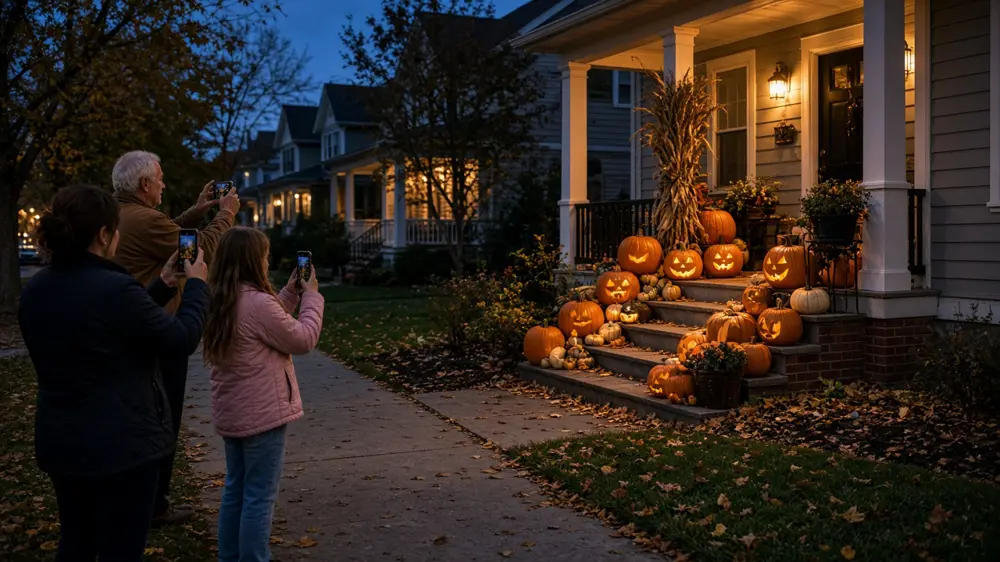
How to Use Seeker Hunts for Halloween
Halloween nights are loud and dark. Crowds and phone flashlights are why a paper list is a bad tool.
Photo + text description covers props, costumes, and shapes. Keep it to one object. "Pumpkin" beats a paragraph.
Image match is for a specific yard mural, party backdrop, or maze sign. Shoot the reference from where players will stand.
Location check pins the meetup.
AI text match is for a typed answer. You write what a good answer looks like ("a Halloween candy"). They type Reese's. The AI decides if it counts.
Drawing is a fun extra, not the whole hunt.
Button is the tap that means they showed up or they read the rules.
Sections keep later tasks hidden until the first section is done.
Hosts see submissions as they come in and can override the AI. Players only need a phone browser.
Seeker also has a seasonal Halloween theme for hosts who want the editor to feel festive. For the product note on theming, see themed scavenger hunts and Halloween fun on Seeker.
Pro Tips
- Start from the Halloween Hunt template if you want people playing in under five minutes.
- Walk the loop at the same time of day you will hunt. Dusk changes what you can photograph.
- Write the boundary into the hunt. A button in the first section beats a speech by the door.
- One object per photo. If you want five pumpkins, that is five tasks.
- Do not require purchases. Decoration and candy-bowl photos keep the hunt free.
- Keep groups to 3 to 5 so porches do not get a pile-up.
- Skip stranger quizzes. Photograph decorations instead of interviewing neighbors.
- Use late join. Party guests arrive in waves. They can scan the QR after you start.
- Override instead of arguing when a photo is clearly the right skeleton.
- End at the candy table so people can sit while scores lock.
FAQ
Q: How do you make a Halloween scavenger hunt?
A: Pick a loop, write 12 to 30 finds, set edges and a time limit, then run it from a phone. Or host the Halloween Hunt template and skip the writing. Seeker checks submissions. Paper works for one small group.
Q: What should be on the list?
A: Everyday Halloween stuff: a pumpkin, a skeleton, a spider, candy, a costume. Skip anything that bothers neighbors or needs a purchase. Keep photos to one object.
Q: Is it ok for kids?
A: Yes, with adults, a buddy rule, and a hard boundary (this block, not across the busy street). Indoor party hunts are easier for younger kids.
Q: Can a large group do this?
A: Self-serve rooms go up to 50. The first 3 active players are free. Split into small walking groups. Bigger than 50 is custom. Contact Seeker.
Q: Do we need an app?
A: No. Players join at seekr.it in a phone browser.
Q: What if someone uses an old photo?
A: Seeker tries to prevent reused camera-roll photos. Location check still helps prove they were at that party.
Q: Can we start from a template?
A: Yes. Host Halloween Hunt, then edit tasks if you want.
Q: Scavenger hunt or treasure hunt?
A: Use this list for a scavenger hunt. A treasure hunt is a trail of clues and a prize.
Q: Can we run this in a corn maze?
A: Yes, if you walk the maze first, set a meet-back gate, and keep finds simple (a hay bale, a sign, a pumpkin). Do not send people into closed paths.
Ready to Host Your Halloween Hunt?
You do not need a special venue. You need a loop, a simple list, and a start people can find. Host the template, share the code, and let the decorations do the rest.
Start with the Halloween Hunt template on Seeker Hunts, or build your own list from the ideas above. No app download. Players join at seekr.it. You host from the browser. First 3 players free. Self-serve up to 50.